Huskee Guides
TL;DR
GMV Max is TikTok Shop's ad automation that optimizes your entire shop's return on investment instead of individual ads. It builds campaigns from every creative you have (your videos, affiliate videos, product cards) and optimizes organic and paid traffic together. You set only an ROI target and a daily budget. It's live in the Philippines in two flavors: Product GMV Max for shop-wide sales and LIVE GMV Max for livestream events.
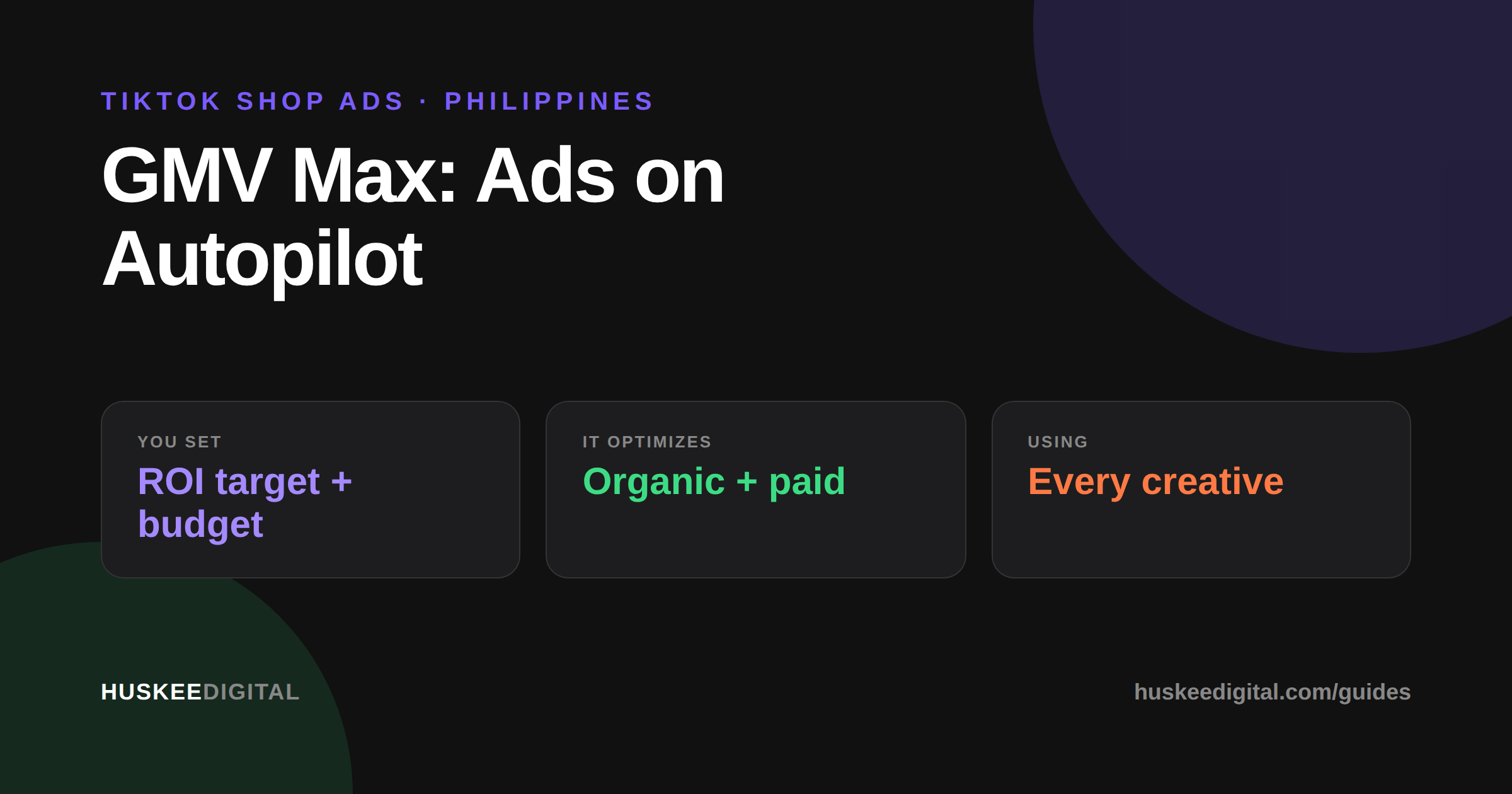
GMV Max is TikTok Shop's advertising automation that optimizes for your shop's total channel ROI rather than the performance of any single ad. Two things make it different from every other TikTok ad product. First, it uses all of your available creative assets automatically: seller videos, affiliate videos, and product cards, deployed as one super campaign that needs almost no operational input. Second, it optimizes organic delivery alongside paid traffic, which means it can generate incremental sales that regular ads can't reach.
The practical result: instead of managing ad groups, audiences, and creatives, you choose products (or a livestream), set an ROI target and a daily budget, and publish. TikTok handles everything else, including automatically creating and pausing ads and promoting your best creatives.
Yes! Product GMV Max is available in the Philippines along with the US, UK, Indonesia, Malaysia, Thailand, Vietnam, and Singapore. LIVE GMV Max is available in the Philippines, Indonesia, Vietnam, Thailand, Malaysia, and Singapore. You need Admin or Ads Tab permissions in Seller Center to create campaigns.
Product GMV Max promotes your product catalog across every shoppable placement at once: the TikTok feed, search, and the Shop Tab, in both video and product card formats. It optimizes for product ROI and total non-live GMV. You can promote your whole catalog or hand-pick products.
LIVE GMV Max promotes a livestream instead. It optimizes traffic to your LIVE room for total liveroom ROI, meaning liveroom GMV divided by ad spend. Use it when you're actively investing in livestreams and want to scale stream revenue while holding a target return. It pairs naturally with a serious live selling or live auction program.
Both types start in Seller Center under Shop Ads, then Create GMV Max ads. For Product GMV Max: choose products (all or specific), pick an ROI target (TikTok recommends one, and you can override it), set a daily budget, schedule the start, and publish. For LIVE GMV Max: choose the TikTok account whose LIVE you're promoting, set the optimization goal to gross revenue, provide a LIVE ROI target, set the budget and schedule, and publish.
One important catch: GMV Max doesn't coexist with your old campaigns for the same products. Video Shopping Ads must be closed or the products removed from them first. Product Shopping Ads pause automatically when GMV Max starts. If you switch GMV Max to a different ad account, existing GMV Max campaigns shut off and must be recreated.
This is where sellers get surprised, so read carefully. Regular custom Shop Ads attribute paid orders across your whole shop within a 7-day click / 1-day view window. GMV Max attributes in real time while the campaign is active, with a 1-day click window, at the product level (or liveroom level for LIVE). And it counts organic orders for promoted products, including orders from affiliate content.
In plain terms: if someone buys a promoted product while your GMV Max campaign is running, that order is attributed to GMV Max, even if they never clicked an ad. Products you don't promote stay out of the campaign's numbers entirely. This makes the reported ROI genuinely reflect total channel performance. It also means you should compare GMV Max reporting against your organic baseline before crediting the ads for everything.
Five core numbers in the Seller Center dashboard: Cost (total spend), Orders (SKU-level orders during the campaign), Cost per order, Total gross revenue (what buyers paid plus TikTok Shop price subsidies, excluding shipping subsidies), and ROI (gross revenue divided by cost).
GMV Max rewards sellers with lots of creative volume. It works by testing everything you've got, so a shop feeding it fresh videos and active affiliate content gives the algorithm more to optimize with. It suits sellers who want outcome control (an ROI target) over lever control (audiences, bids, placements). Manual Video Shopping Ads still make sense when you need precise creative control, cold-audience prospecting logic, or campaign structures TikTok's automation doesn't offer. Many PH brands we manage run GMV Max as the always-on engine and layer manual campaigns for launches. That's exactly the kind of mix our performance marketing team builds and tunes.
Facts sourced from TikTok Shop's official Product GMV Max, LIVE GMV Max, and GMV Max attribution documentation, last reviewed August 2026.
Your shop's total channel ROI, meaning gross revenue divided by ad spend, across paid and organic traffic together. Not the performance of individual ads.
Yes. While a campaign is active, all orders for promoted products count toward it, including organic and affiliate-driven orders. Products you don't promote are excluded.
No. You must remove those products from Video Shopping Ads first. Product Shopping Ads pause automatically when GMV Max starts.
Real-time attribution while the campaign is active with a 1-day click window, versus 7-day click / 1-day view for regular custom Shop Ads.
Not directly. It automatically uses all available creative assets, including affiliate videos (which carry a commercial content label), and promotes what performs.
If you stream consistently and want to scale liveroom GMV at a controlled ROI, yes. It optimizes delivery specifically toward your LIVE room, and it pairs well with flash sales and auctions inside the stream.
Huskee plans, hosts, and fulfills TikTok LIVE Auctions for collectibles brands. Prefer to run it in-house? We'll train your team.
EXPLORE LIVE AUCTION SELLING


.png)


.svg)