Huskee Guides
TL;DR
TikTok LIVE Auction lets Philippine sellers auction products during a livestream. You set a starting bid (from PHP 1), viewers bid in real time, and the highest bidder when the timer ends wins with automatic checkout. It's available to sellers with official and marketing accounts (not affiliate creators), and it's built for collectibles, luxury resale, sneakers, and other scarce items where buyers decide the price.
TikTok LIVE Auction is a real-time selling format inside TikTok LIVE where viewers bid on your products instead of buying at a fixed price. You set a starting bid and an auction duration, the countdown runs on a pinned auction card, and the highest bidder when time expires wins the right to buy at their bid price. Checkout is triggered automatically.
Unlike regular live selling, price and demand are decided in the moment. Countdown timers, limited stock, and visible competition create urgency. That's why the format works best for collectibles, luxury resale, sneakers, jewelry, and other scarce or non-standard items.
One rule shapes everything: auction products can only be sold through auctions. They don't appear in your shop, can't be searched, and can't be bought outside a LIVE. Listings made in Seller Center can be toggled back to regular products later. Temporary auction listings cannot.
LIVE Auction is open to sellers with official and marketing accounts. Affiliate creators cannot use it. On top of the account type, TikTok applies entry criteria:
Viewers need TikTok app version 45.9 or later to see ongoing auctions. It's worth reminding your audience at the start of a stream.
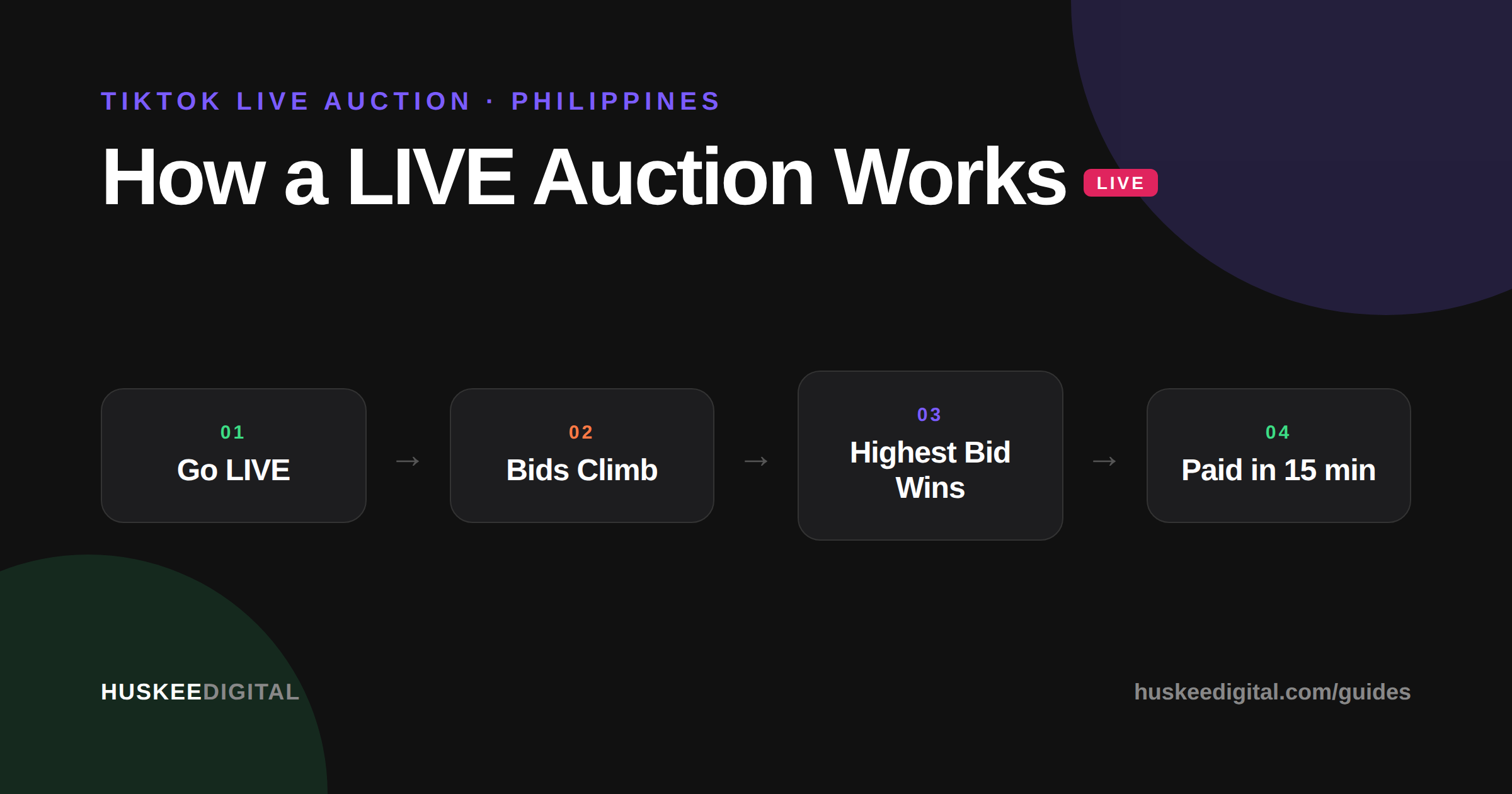
The flow is short: go live, start the auction on a product card, viewers bid while the timer counts down, and the last highest bid wins with auto-checkout. The details that matter:
There are two methods, and most serious sellers use both.
Create a product in Seller Center, pick a category, and switch on the Auction product toggle in the sales information section. These listings sync to LIVE Manager and the TikTok app, can be reused across unlimited streams, and can be converted back to regular listings anytime. You can load up to 300 auction SKUs, which is a separate quota from your Buy Now products.
Created from LIVE Manager or the app before or during a stream: name, category, starting bid, quantity, timer, format, shipping details. Moderation approves them in under 2 minutes! They exist only for that session and carry no product photo on the auction card. Each one gets an automatic sequential number (#1, #2, #3...) that makes post-stream packing dramatically easier. Label the sold item with its number, and your packers pick by number.
An order is created automatically for the winner. If they have a payment card bound, it's charged instantly. If not, a 15-minute countdown starts, with in-app, inbox, and email reminders pushing them to pay. No payment within 15 minutes means the order cancels and stock returns to inventory. You just run the auction again. Hosts who verbally congratulate winners and remind them of the 15-minute window see far fewer failed payments.
Exactly like normal TikTok Shop orders, with extra tags. Auction orders carry LIVE and Auction labels, and Seller Center gives you an Auction filter, a Live-session filter, and buyer-name search. During the stream, the Sold Items view shows every winner by order (newest first, for fast packing) or by product (per-SKU, for spotting your best auction performers).
Auction orders are stricter than regular ones. Only refund-only and return-and-refund requests are allowed, with no exchanges or reshipments. Auto-approvals are mostly disabled, so you review requests manually. Buyers can't use the "no longer needed" reason at all. Cancellation windows depend on fulfillment stage: buyers can request before shipping (you review manually), can't cancel while delivery is on schedule, and get auto-approved if you miss your dispatch SLA. Note that sellers can't recover shipping costs on auction returns, which is one more reason to keep COD off for high-value items.
The mechanics above are learnable. But auction shows live or die on hosting energy, lineup strategy, and fulfillment discipline. That's the gap Huskee's Live Auction Selling service covers. We plan the lineup, run the show with trained hosts, and hand you the numbers. Prefer to keep it in-house? We train your own team on the full playbook.
Facts in this guide are based on TikTok Shop's official LIVE Auction documentation for the Philippines, last reviewed August 2026.

Demo video courtesy of TikTok Shop, used with permission.
No. LIVE Auction is only available to sellers streaming from official and marketing accounts.
No. Auction listings exist only inside a livestream. They can't be searched or viewed in your shop once the stream ends.
Up to 300 SKUs in the Auction tab of your LIVE shopping bag, separate from your regular Buy Now quota.
No. A running auction cannot be canceled or withdrawn. The only way to stop it is to end the entire livestream.
Yes. Buy Now products stay purchasable throughout, though you can't pin anything else while an auction is active.
Yes. Seller and platform vouchers apply automatically at checkout. The winning bid price excludes shipping, payment fees, and tax, which are added at payment.
Huskee plans, hosts, and fulfills TikTok LIVE Auctions for collectibles brands. Prefer to run it in-house? We'll train your team.
EXPLORE LIVE AUCTION SELLING


.png)


.svg)